







SEO Tracking: How to Measure and Report SEO Performance
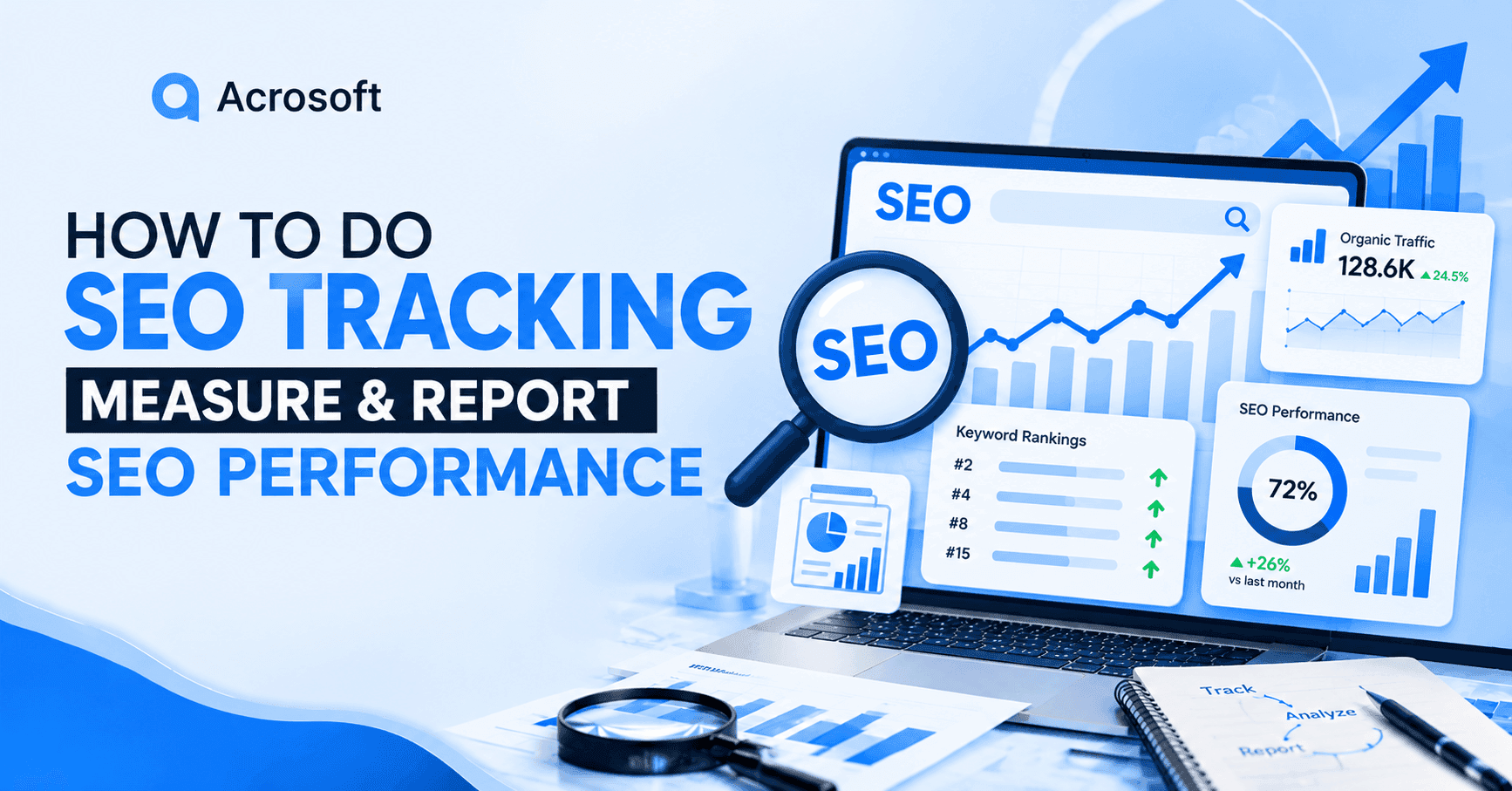
SEO tracking is the ongoing process of monitoring how a website performs in search, from keyword rankings and organic traffic to conversions and, increasingly, visibility inside AI-generated answers. Done well, it tells you whether your work is actually moving the business forward, not just whether a few keywords moved up a few spots. Our SEO services help turn these insights into focused actions that improve visibility and support business growth.
Most guides to SEO tracking stop at a list of metric definitions. That's useful, but it isn't the hard part. The hard part is knowing which numbers to check weekly versus quarterly, what a "good" number even means for your site, and what to do the moment a metric moves in the wrong direction. That's what this guide focuses on: not just what to measure, but how to build a tracking habit that leads to decisions.
What Is SEO Tracking?
SEO tracking is the practice of collecting, monitoring, and analyzing data about your website's organic search performance over time so you can judge whether your SEO strategy is working and where to adjust it. It covers three connected activities: setting a measurable goal for your SEO campaign, choosing the metrics that reflect progress toward that goal, and reviewing those metrics on a regular schedule so you catch problems and opportunities early.
Tracking isn't optional if you want SEO to be defensible. Rankings shift with every algorithm update, content ages, competitors publish new pages, and technical issues creep in quietly (a mistyped noindex tag can wipe out a section of a site without anyone noticing for weeks). A tracking system is what catches that early, and it's what proves the value of the work to a client or a leadership team who mostly cares about the bottom line.
SEO Tracking vs. SEO Reporting
These two terms get used interchangeably, but they describe different stages of the same process. SEO tracking is the ongoing collection and monitoring of your data, pulling numbers from Google Search Console, your analytics platform, and your rank tracker on a set schedule. SEO reporting is what you do with that data afterward: turning it into a narrative that explains what changed, why it changed, and what you're doing about it.
You can track without reporting (checking your own dashboard privately), but you can't report well without tracking consistently first. A report built from one month of scattered data will always look thinner than one built on a full quarter of weekly rank and traffic snapshots, because you won't be able to separate a real trend from normal week-to-week noise.
SEO Metrics to Track From Visibility to Revenue
There's no shortage of SEO metrics you could track. The problem is that tracking everything usually means acting on nothing. It helps to sort SEO metrics into four groups, based on what question each one answers.
Visibility Metrics (Rankings, Impressions, Share of Voice)
Visibility metrics tell you whether your pages are being shown to searchers at all, before anyone even clicks.
Keyword rankings: Your position for a given search query. Still worth tracking, but treat it as a leading indicator rather than the whole picture, since a #1 ranking can still sit below an AI Overview, a video carousel, or an ad block on the actual results page.
Impressions: How often your listing appeared in search results, available in Google Search Console. A steady rise in impressions with flat rankings usually means you're winning more query variations, not just ranking better for one term.
Search visibility / share of voice: An estimate of how much of the available search real estate for your target keywords you actually occupy, accounting for the fact that a top-three ranking on a results page packed with featured snippets and ads is worth less than it used to be.
Traffic Metrics (Organic Sessions, Traffic by Page)
Once someone can see your listing, the next question is whether they show up on your site.
Organic sessions: Visits arriving through unpaid search, tracked separately from paid, social, and referral traffic so a change in one channel doesn't get mistaken for a change in another.
Traffic by page: Session-level detail for your most important pages, which is what lets you tell whether a traffic dip is site-wide (a technical or algorithmic issue) or isolated to one or two pages (a content or ranking issue).
Traffic by landing page and device: Mobile and desktop audiences often behave differently on the same page, so it's worth checking both instead of only the blended total.
Engagement and Technical Metrics (CTR, Core Web Vitals, Indexation)
These metrics explain why your traffic and rankings are moving, not just that they moved.
Click-through rate (CTR): The share of people who click your listing after seeing it, calculated as clicks divided by impressions. Google Search Console tracks organic clicks, impressions, and CTR for individual queries and pages. A high-ranking page with a low CTR usually has a title tag or meta description problem, not a ranking problem.
Core Web Vitals and page speed: Loading speed, interactivity, and visual stability, all of which affect both rankings and whether a visitor sticks around once they arrive. Google Search Console’s Core Web Vitals report shows how your URLs perform against these metrics, while PageSpeed Insights provides page-level performance data and recommendations for improvement.
Indexation and crawlability: How many of your pages are actually indexed, and whether search engines can reach them at all. Google Search Console’s Page Indexing and URL Inspection reports show which pages are indexed, excluded, or blocked and can help identify crawl and indexing issues. A page that isn't indexed can't rank, no matter how good the content is, so this is worth checking before troubleshooting anything else.
Time on page and bounce rate: Softer signals about whether the content matched what the searcher wanted. Google Analytics 4 (GA4) provides engagement metrics such as average engagement time and engagement rate, which can help evaluate how visitors interact with your pages. Interpret these metrics relative to page intent; a "Contact Us" page with a short visit isn't necessarily a problem, but a 2,000-word guide with very little engagement may deserve a closer look.
Business Metrics (Conversions, Leads, Revenue)
This is the group that matters most to whoever is paying for the SEO work. These metrics connect organic search performance to actual business outcomes.
Conversion rate: The percentage of organic visitors who complete a meaningful action, such as submitting a form, requesting a demo, or making a purchase. Google Analytics 4 (GA4) can be used to track these key events and calculate conversion rates. High traffic with a low conversion rate often points to a mismatch between the keywords you're attracting and what your page actually offers.
Leads and revenue attributed to organic search: Track how many leads and how much revenue come from organic search using GA4, Google Search Console, and your CRM. GA4 shows organic conversions and revenue, while CRM data can connect those conversions to qualified leads, opportunities, and closed sales.
Return on investment (ROI): Compare the revenue generated from organic search with the cost of your SEO investment. GA4 and CRM data can help measure organic revenue, while your internal cost data provides the investment figure. The result shows whether SEO is generating enough business value to justify continued investment.
How to Track Your Website's SEO Metrics, Step by Step
Knowing which metrics matter is only half the job. Here's how to actually put a tracking system in place.
Set Up Google Search Console and GA4
Google Search Console (GSC) and Google Analytics 4 (GA4) form the free foundation of any SEO tracking setup, and both should be verified and connected before you add anything paid on top.
GSC shows you exactly which queries bring people to your site, your average position and CTR for each one, and any indexing or mobile-usability errors Google has flagged.
GA4 shows you what visitors do after they land: which pages they view, how long they stay, and whether they convert. To set them up, first verify your website in Google Search Console and submit your XML sitemap so Google can discover and index your pages. Then create a GA4 property, add your website as a web data stream, and install the GA4 tracking tag through your website or Google Tag Manager. Once both are collecting data, connect GSC to GA4 from GA4's Admin settings under Product links → Search Console Links. Finally, configure key conversions in GA4, such as form submissions, purchases, or demo requests, so you can measure whether organic traffic is producing business results.
Link the two together (GSC can be connected directly inside GA4's admin settings) so you can move from "which query drove this visit" to "what did that visitor actually do" without switching tools. From there, add a dedicated rank tracker if you're managing more than a handful of target keywords, since GSC's position data is an average across all the ways a query can appear and won't isolate a specific desktop, top-of-page ranking the way a purpose-built tracker will.
Build a Tracking Cadence (Weekly, Monthly, Quarterly)
A metric checked once a month is a snapshot. A metric checked on a consistent schedule is a trend, and trends are what let you tell the difference between normal fluctuation and an actual problem.
Weekly: keyword rankings for priority terms, organic traffic trends, and any sudden ranking drops or traffic cliffs that could signal a technical issue or an algorithm update.
Monthly: conversions, click-through rate, new backlinks, indexation status, and a full report for stakeholders. Monthly is also the right interval to compare against the previous month and the same month a year earlier, so seasonal dips don't get mistaken for a decline in performance.
Quarterly: a strategic review, content performance across the whole site, competitor movement, and whether the current SEO roadmap still matches the business's priorities.
How to Track an SEO Campaign
An SEO campaign, whether that's a content push, a technical overhaul, or a link-building sprint, needs its own tracking layer on top of your standard site-wide dashboard. Otherwise it's easy to lose the specific impact of the campaign inside normal month-to-month noise.
Set a Baseline and Goals Before Launch
Before a single page goes live, record where you're starting from: current rankings for the target keywords, current organic traffic to the relevant pages or section, and current conversion rate for that segment. Without a baseline, you have no way to prove the campaign moved anything, even if it did.
Pair that baseline with a specific, time-bound goal ("move these 20 commercial keywords into the top 10 within 90 days" beats "improve rankings"). A specific target also makes it obvious early on whether the campaign is on pace or needs adjustment.
Leading vs. Lagging Indicators
Not every metric moves at the same speed, and expecting all of them to move together is a common source of premature panic (or premature celebration).
Leading indicators move first and are more sensitive to short-term changes: impressions, indexation status, and early ranking movement for lower-competition terms.
Lagging indicators move last and are what the business ultimately cares about: organic traffic at scale, conversions, and revenue.
A healthy SEO campaign typically shows leading indicators improving within the first few weeks, with lagging indicators following over the following months. If leading indicators stall too, that's the earlier and clearer signal that something in the campaign needs to change, rather than waiting on traffic or revenue data that takes longer to catch up.
How to Track SEO Content Performance
Site-wide metrics can hide the fact that a handful of pages are quietly underperforming. Content-level tracking is what surfaces.
Metrics to Check at the Page Level
For each priority page, review rankings for its target keywords, organic sessions, average time on page relative to similar content, and its conversion rate if it has a clear intended action. Checking these together, rather than any single one in isolation, is what tells you whether a page is genuinely struggling or simply serving a different (and perfectly fine) purpose than you assumed.
Signs a Page Needs a Refresh
A few patterns are worth watching for at the page level:
Rankings or impressions trending down over several consecutive months, especially without a matching site-wide drop.
CTR noticeably below similar pages at a comparable ranking position, which usually points to a weak title tag or meta description rather than a content problem.
Traffic that has plateaued or declined while a competing page has visibly grown its coverage of the topic.
Statistics, screenshots, pricing, or examples that are now out of date, since freshness matters more for topics where accuracy changes over time.
None of these alone is a guaranteed sign of trouble, since seasonal topics and evergreen reference content naturally behave differently. Look for the pattern across two or three metrics together before deciding a page needs a full refresh versus a smaller update.
Tools for SEO Tracking (Free and Paid)
You don't need a large stack to track SEO well; you need the right layers. Google Search Console and Google Analytics 4 are free and cover query-level performance and on-site behavior. Bing Webmaster Tools adds the same visibility for Bing, which is worth having if a meaningful share of your audience searches there.
For deeper rank tracking, backlink analysis, and competitor research, paid all-in-one platforms such as Moz, Ahrefs, and Semrush extend what the free tools can show you, typically starting somewhere around $99 a month depending on the plan and the number of keywords tracked. Whichever combination you choose, the tools matter less than whether the data from all of them actually gets reviewed on the cadence you've set, since a dashboard nobody checks isn't tracking, it's just a bookmark.
A Simple SEO Tracking Checklist
Use this as a starting point and adjust it to the size of your site and the goals of your campaign.
[ ] Google Search Console and GA4 verified, connected, and reviewed on a weekly basis
[ ] A rank tracker set up for your priority keyword list
[ ] A written baseline recorded before any new campaign launches
[ ] Weekly check: rankings, traffic trends, and any sudden drops
[ ] Monthly check: conversions, CTR, backlinks, and a stakeholder-ready report
[ ] Quarterly check: content performance, competitor movement, and strategy review
[ ] A short list of pages flagged for a content refresh based on ranking or CTR decline
[ ] A defined method for tying organic traffic to leads or revenue
Conclusion
SEO tracking only pays off when it leads somewhere. A dashboard full of numbers nobody reviews on a schedule is just noise, and a report built from inconsistent data will always struggle to earn trust from a client or a leadership team. Pick a small set of metrics that map to a real business outcome, check them on a fixed weekly-monthly-quarterly cadence, and use every drop or spike as a prompt to ask why, not just to note that it happened. That habit, more than any single tool, is what turns SEO tracking into SEO results.
FAQs
SEO tracking is the process of regularly monitoring a website's organic search performance, including rankings, traffic, backlinks, and conversions, to judge whether an SEO strategy is working and to catch problems early. It's an ongoing habit, not a one-time audit.