










Custom LMS Software Development: Features, Cost and Step-by-Step Build Guide
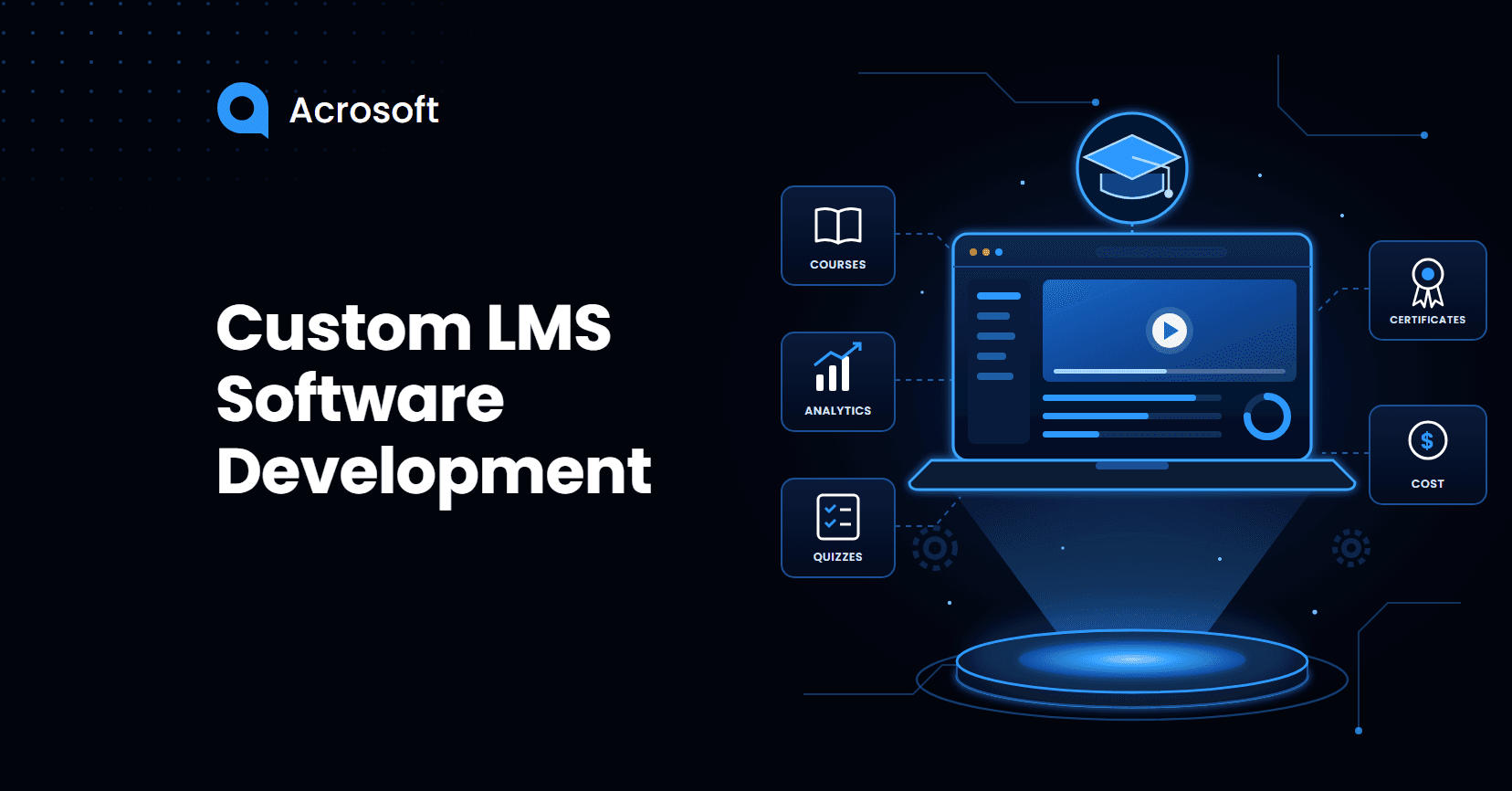
Custom Learning Management System (LMS) software development means building a learning platform around your learners, courses, and business requirements rather than adapting your training process to fit an existing product. It gives businesses greater control over course delivery, learner management, progress tracking, and training workflows. A custom LMS can also integrate with existing business systems and adapt as organizational learning needs evolve.
Existing LMS platforms offer a convenient starting point, but they may not support every business's learning requirements. Limited customization, integration gaps, rigid workflows, and rising per-user fees can make it difficult to deliver the learning experience your organization needs. That is why businesses consider custom LMS development, especially when learning is part of their product, training requires specialized features, or existing tools no longer meet their needs. This guide explores the essential features, development costs, and steps involved in building a custom LMS.
Understanding Your LMS Development Options
An LMS is the system that delivers courses, tracks progress, and reports results. Nearly every serious training team already runs one. According to Training magazine’s 2025 Training Industry Report, learning management systems are used by 89 percent of organizations, including 90 percent of large companies, 97 percent of midsize companies, and 84 percent of small ones. So the real question isn’t whether you need an LMS. It’s whether a generic one still fits how you teach.
Custom Build, Customized Platform, or Off-the-Shelf?
Custom LMS gets used loosely. There are really three paths, and they differ a lot in cost and control.
Approach | What It Is | Best For | Main Trade-Off |
Off-the-shelf SaaS | Subscribe to a ready platform like TalentLMS, Teachable, or Litmos | Standard courses, fast launch | You follow the vendor’s pricing, roadmap, and limits |
Customized open-source | Extend Moodle or a similar LMS with plugins and custom modules | Teams that need flexibility on a mid budget | Plugin conflicts and upgrade headaches over time |
Fully custom build | Purpose-built platform from scratch | Learning is core to your product or business model | Higher upfront cost and ongoing ownership |
Most organizations should start by asking how far a customized platform can take them. A full build makes sense when the gaps are structural, not cosmetic.
When LMS Limitations Start Affecting Learner Experience
The clearest signals usually come from frustration, not strategy decks. Conversations among instructional designers on r/elearning show the same patterns again and again.
Signs Off-the-Shelf Tools Are Holding You Back
One course designer explained that 80% of their learners use phones, so asking people to download and fill in a PDF worksheet between modules simply doesn’t happen. They wanted typed reflection answers inside the course, with a full notes packet emailed at the end. Most platforms can’t do that cleanly without hacks.
Other warning signs from the same community include:
Surprise platform fees. Teachable introduced new usage fees effective September 28, 2026, charging $0.50 per student per month for qualifying free enrollments beyond 100. The policy covers free courses, 100% discount coupon enrollments, and manually added students. As a result, a donated course or free lead magnet with a growing audience can generate recurring platform costs.
Plugin hunting. A Moodle admin described weeks of trying to replicate features like learner uploads, tagging, and community voting, while worrying about GDPR risks from manually reusing learner photos.
Expensive add-ons. One team received a $20,000 quote to localize five mandatory courses into nine languages through their authoring tool’s built-in service.
Confusing pricing models. Vendors mixing designer seats, learner seats, and prepaid learning hours make long-term budgeting hard to predict.
If two or more of these sound familiar, a custom or heavily customized LMS deserves a serious look.
When an Existing LMS Is the Better Fit
Building is the wrong move if your courses are standard compliance modules, your learner count is small and stable, or you don’t yet know what your learners need. In those cases, a well-configured SaaS LMS will be faster and cheaper.
Which Features Should a Custom LMS Include?
A custom LMS should start with a tight core and grow based on real usage. Feature lists that try to match every enterprise vendor on day one are the fastest way to blow your budget.
Core Features Every Learner and Admin Needs
These form the backbone of almost every learning platform:
Role-based access for learners, instructors, managers, and admins
Course builder that handles video, documents, quizzes, and assignments
Progress tracking with completion status, scores, and certificates
Reporting dashboards that managers can read without exporting spreadsheets
Notifications for deadlines, reminders, and new content
Search that finds lessons by topic, not just by course title
Features That Keep Learners Coming Back
This is where custom platforms usually win, because you design around how your learners actually behave.
Mobile-first design matters more than ever. Training Magazine found that 6 percent of training hours were delivered via mobile devices, up from 3 percent in 2024. That share is small but doubling, and for frontline or field workers, the phone is often the only screen they use.
Engagement features worth considering include in-course note fields that compile into a downloadable or emailed summary, spaced repetition review built from each learner’s mistakes, short scenario questions placed right after a concept, and feedback that explains why an answer was wrong rather than just marking it red. Each one solves a specific drop-off point instead of adding decoration.
Standards and Integrations You Can’t Skip
Learning content has its own technical standards, and ignoring them creates expensive rework later.
SCORM lets you import courses built in tools like Articulate Storyline or Adobe Captivate.
xAPI and cmi5 track learning that happens outside a course, such as simulations or on-the-job tasks.
LTI connects your LMS with external learning tools.
Single sign-on (SSO) lets employees log in with existing company credentials.
HRIS and CRM connections sync users automatically and tie training to business records.
If you sell to enterprise clients, SSO alone can decide whether a deal closes, because many IT teams won’t approve a platform without it.
AI Features Worth Building (and the Ones to Skip)
AI adoption in training is rising quickly. The useful AI features are practical ones: drafting quiz questions from source material, summarizing lesson transcripts, answering learner questions grounded in your own course library, and asking follow-up questions that test reasoning instead of accepting a lucky guess. Skip features that generate unreviewed content directly for learners in regulated subjects like law, finance, or healthcare. Someone with subject expertise should approve anything the system teaches.
How Much Does Custom LMS Development Cost?
Cost depends mostly on scope, integrations, and how much you build from scratch versus extend. Here’s how published 2026 estimates break down by tier.
Typical Cost by Build Tier
The table below uses ranges from recent agency pricing guides. Treat them as planning bands, not quotes.
Build Tier | What You Typically Get | Estimated Cost |
|---|---|---|
Open-source customization | Moodle or similar with custom modules and branding | $15,000 to $40,000 |
Focused MVP | Core courses, quizzes, tracking, admin panel, responsive design | $40,000 to $80,000 |
Scalable multi-role platform | Multiple user roles, integrations, analytics, mobile app | $80,000 to $180,000 |
Enterprise platform | SSO, advanced compliance, AI features, multi-tenant setup | $180,000 to $350,000+ |
Custom LMS development costs and timelines depend on the platform's features, technical requirements, and level of customization. Factors such as user roles, course management tools, third-party integrations, reporting capabilities, and security requirements all influence the development process. The project scope and selected technology also determine how much time is needed to design, build, test, and launch the platform.
What Drives the Price Up or Down
Five factors shape most budgets:
Number of user roles. Every new role adds screens, permissions, and testing.
Integrations. Each connection to HR, payroll, CRM, or payment systems adds work.
Native mobile apps. A responsive web app costs less than separate iOS and Android builds.
Compliance requirements. HIPAA, GDPR, SOC 2, and accessibility audits add design and testing time.
Team location and seniority. Rates vary widely by region and experience.
The smartest way to control cost is to launch a narrow MVP, watch what learners actually use, and fund the next phase from evidence.
Hidden Costs That Show Up After Launch
The build invoice is only part of the total cost of ownership. Plan ahead for cloud hosting, video storage and streaming bandwidth, security updates, bug fixes, content production, translation, and staff time to run the platform. That last one is easy to forget.
The good news: unlike per-seat SaaS pricing, your costs don’t automatically climb every time you add learners.
How to Build a Custom LMS Step by Step
A good build follows a clear sequence. Skipping the early steps is the most common reason LMS projects run over budget.
Step 1: Define the Learning Problem and the Users
Write down what learners must be able to do after training, and who touches the system. List every role, from learner to manager to billing contact. This becomes the foundation for every later decision.
Step 2: Map Workflows and Decide Build vs. Customize
Turn each role’s tasks into user stories, such as “a manager can see which team members are overdue on compliance training.” Then compare those stories against existing platforms. If 80% fits a customizable LMS, extend it. If the core workflow doesn’t exist anywhere, build.
Step 3: Design and Prototype With Real Learners
Create wireframes and a clickable prototype before writing production code. Test it with five to ten actual learners on the devices they really use. If most of your audience is mobile, our Cross-Platform App Development approach lets one codebase serve both iOS and Android.
Step 4: Choose the Architecture and Standards
Decide on your tech stack, hosting, data model, and which standards (SCORM, xAPI, LTI) you must support. If you plan to sell the platform to other organizations, choose a multi-tenant design now. Retrofitting it later is painful.
Step 5: Build the MVP in Short Sprints
Develop in two-week cycles with a working demo at the end of each one. This keeps stakeholders involved and catches misunderstandings early. A dedicated team for Web Application Development should handle the core platform, admin panel, and APIs together so the pieces fit.
Step 6: Test for Load, Security, Accessibility, and Content Import
Check how the system performs when hundreds of learners start a course at once. Run security testing on login, file uploads, and learner data. Verify WCAG accessibility and import a sample of your existing SCORM packages to confirm they track correctly.
Step 7: Launch a Pilot, Measure, and Improve
Release to one department or cohort first. Track completion rates, drop-off points, support tickets, and time spent per module. Then fix what learners struggle with before rolling out company-wide.
What the “I Built My Own LMS” Stories Get Right and Wrong
One of the most discussed r/elearning threads came from a language tutor who built a full LMS with no coding background, using AI assistants like Cursor and Claude. The system turns lesson transcripts into recaps, vocabulary lists, homework, and personalized flashcards. The tutor reported homework completion rising four times across 20 students.
That story gets something important right. The platform was designed around one specific learning loop (lesson, recap, practice, review), not a generic feature checklist. That focus is exactly why custom platforms outperform generic ones.
The risk appears when a personal tool becomes a product for others. White-labeling for other tutors introduces new requirements: isolating each customer’s data, protecting student information and cloned voices, handling payments, keeping uptime high, and maintaining code that nobody fully understands. AI-assisted prototypes are a great way to validate an idea. Scaling them safely still takes engineering discipline.
How to Choose the Right LMS Development Partner
Look for a team that asks about your learners before talking about technology. Strong partners will push back on unnecessary features, propose a phased roadmap, and show past work with similar user roles or integrations.
Ask every candidate these questions:
Who owns the source code and the learner data?
How do you handle SCORM and xAPI tracking?
What does post-launch support cost, and what does it cover?
Can we see a working platform you’ve built, not just screenshots?
Choosing a partner with broad Web Development Services experience also helps when your LMS needs to connect with your website, store, or customer portal.
Finally, tie the project to outcomes leadership already tracks. LinkedIn’s 2025 Workplace Learning Report found that 49% of L&D professionals agree their executives are concerned that employees lack the right skills to execute business strategy. A custom LMS that reports skill progress, not just course completions, speaks directly to that concern.
Your Next Step
A custom LMS pays off when your learning experience is part of what makes your business different. Start small: define the one learner workflow that generic tools handle badly, prototype it, and test it with real users before committing to a full build.
If you’d like a second opinion on scope, budget, or whether you should build at all, Acrosoft’s team can review your requirements and map out a phased plan. Contact us to start the conversation.
Frequently Asked Questions
Often, yes. Moodle is free, mature, and supports SCORM out of the box. It works well when your needs are close to a traditional course structure. It becomes harder when you need a consumer-grade mobile experience or unusual workflows, because heavy plugin stacks can break during upgrades.