









Custom Manufacturing Software Development: Types, Costs and When to Build vs Buy
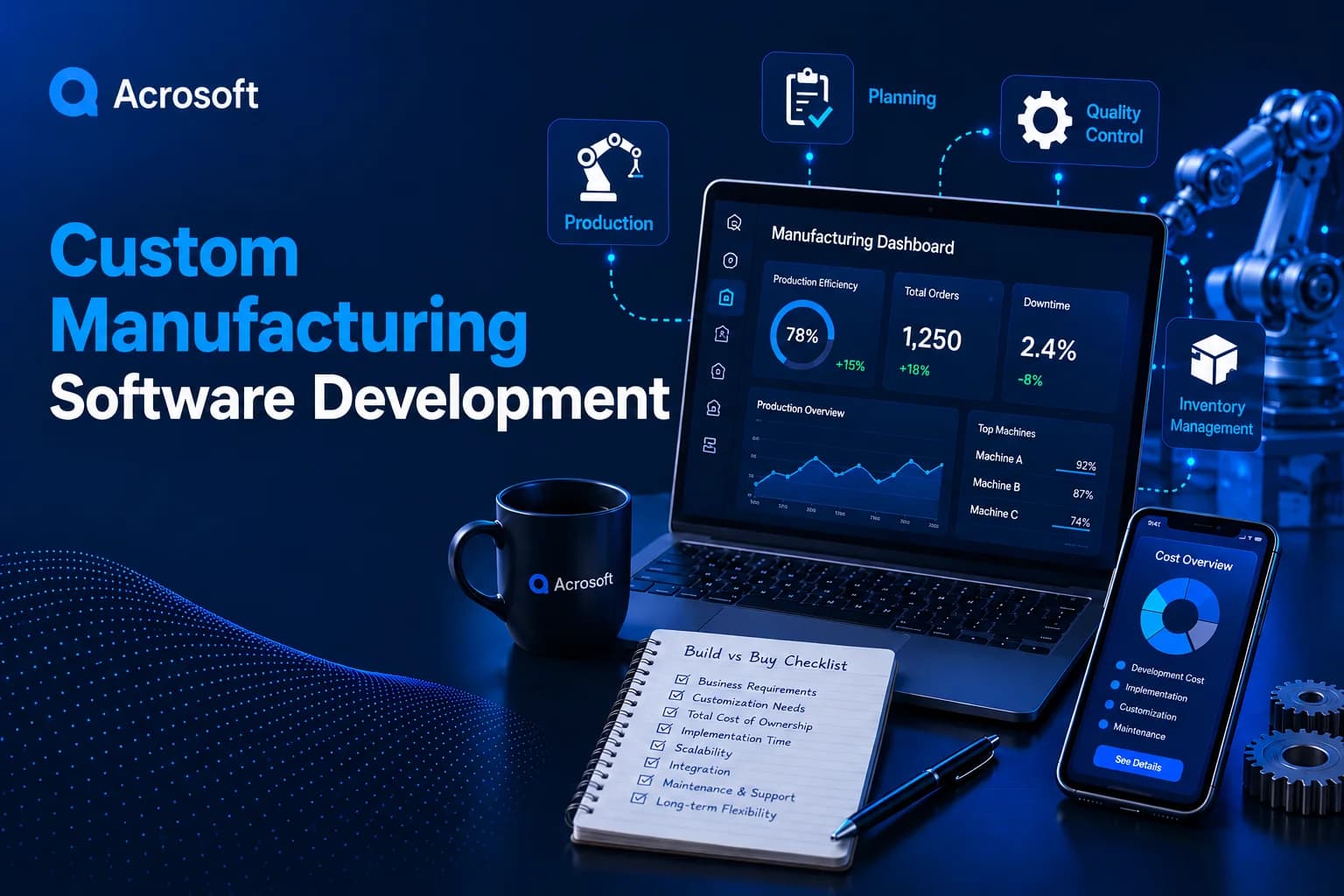
Custom manufacturing software development helps manufacturers create tools that match their production workflows. Common solutions include manufacturing execution systems, production scheduling tools, quality and traceability apps, machine monitoring dashboards, and integrations that connect ERP systems to the shop floor.
The right approach depends on your production needs, budget, and existing systems. Building custom software makes sense when your processes give you a competitive advantage or ready-made tools require costly workarounds. Buying is often better when standard features meet your needs. Many manufacturers combine both approaches to get the best results.
The rest of this guide explains each option and how to decide.
What Is Custom Manufacturing Software?
Custom manufacturing software is any application designed for one company’s production process, equipment, and data. It can be a full system or a small tool that fills one gap.
Think of a plant that tracks scrap on clipboards, then types the numbers into a spreadsheet at the end of each shift. A custom tablet app at each workstation can capture that data live, link it to the work order, and alert a supervisor when scrap passes a set threshold. That is custom manufacturing software. So is a scheduling engine that understands your specific machine changeover times, which a generic tool may not model well.
How It Differs From Off-the-Shelf ERP and MES
Packaged software is built for the average manufacturer. It covers common workflows well and gets you running faster. The tradeoff is fit. When your process doesn’t match the vendor’s model, you pay for customization, add workarounds, or live with gaps.
Custom software flips that tradeoff. You get an exact fit and own the roadmap, but you take on more upfront cost, a longer build, and responsibility for upkeep. Neither is better in every case. The right answer depends on how unique your process is, which the build vs buy section below covers in detail.
Types of Custom Manufacturing Software You Can Build
Most projects fall into one of the categories below. Many plants start with one and add others over time.
Manufacturing Execution Systems (MES)
An MES tracks work as it moves through production: which order is on which machine, who is running it, what materials went in, and what came out. Custom MES builds make sense when your routing is complex or your products are highly configured, since generic MES platforms often assume more standard flows. Many teams use the ISA-95 standard as a reference model for how MES and ERP should share data.
Production Planning and Scheduling Tools
Scheduling software decides what runs where and when. A custom scheduler can account for your real constraints, such as tooling availability, operator certifications, sequence-dependent setup times, and curing or cooling windows. These details are where many spreadsheets and generic planners break down.
Quality Management and Traceability Systems
Quality software records inspections, nonconformances, and corrective actions. Traceability links every finished unit back to its raw material lots, machines, and operators. For food, medical device, automotive, and aerospace suppliers, fast and accurate traceability can decide how painful a recall or audit becomes.
Inventory and Warehouse Management
Custom inventory tools handle things like kitting, work-in-progress tracking, barcode or RFID scanning, and consignment stock. They are useful when your warehouse logic is tied closely to production, which general warehouse systems may not handle cleanly.
Maintenance and Asset Management
Maintenance software schedules preventive work, logs repairs, and tracks spare parts. More advanced builds use machine data to predict failures before they happen, so maintenance shifts from fixed calendars to actual equipment condition.
Machine Monitoring and IoT Dashboards
Monitoring tools collect data from machines and sensors, then show uptime, cycle times, and overall equipment effectiveness (OEE) in real time. This category often overlaps with IoT app development, since the software must reliably receive and process data from connected devices on the floor.
Supplier, Dealer, and Customer Portals
Portals give outside partners controlled access to your data. Suppliers can see forecasts and confirm deliveries. Customers can check order status or configure products. These are usually built through web application development, since partners access them through a browser rather than plant hardware.
Integration Layers
Sometimes the most valuable build isn’t a new system at all. An integration layer connects the systems you already have, such as your ERP, quality software, and machine data, so information flows without manual re-entry. For many plants, this is the cheapest way to get large gains.
Here is a quick way to match common plant problems to the right type of software:
Problem You’re Seeing | Software Type That Usually Fixes It |
No real-time view of what’s running | MES or machine monitoring |
Schedules fall apart by mid-week | Planning and scheduling tool |
Audits and recalls take days to answer | Quality and traceability system |
Parts go missing between stations | Inventory and WIP tracking |
Unplanned downtime keeps rising | Maintenance and asset management |
Staff retype data between systems | Integration layer |
If your top problem shows up in two rows, start with the one that costs you the most money each month.
Why Manufacturers Are Investing in Software Now
Spending on plant software is growing, not slowing. A 2025 Deloitte survey of 600 manufacturing executives found that 80% plan to invest 20% or more of their improvement budgets in smart manufacturing initiatives, according to the
Deloitte 2026 Manufacturing Industry Outlook.
Manufacturers are also moving beyond testing digital tools to using them in daily operations. Production monitoring, scheduling, and data integration systems help teams track operations, coordinate workflows, and make informed decisions based on current production data.
However, collecting data is only part of the process. Manufacturers need software that turns production data into useful insights, helps teams identify quality issues, and supports timely decisions. As factory systems become more connected, cybersecurity also becomes essential. Custom manufacturing software should include appropriate security controls from the start to protect production systems and business data.
How Much Does Custom Manufacturing Software Cost?
Most projects land between $40,000 and $1 million or more. The wide range comes from scope, the number of systems you need to connect, and how much shop-floor hardware is involved.
Typical Cost Ranges by Project Scope
The ranges below are general planning figures, not quotes. Actual prices vary by vendor, location, team rates, and how well defined your requirements are.
Project Scope | Example | Rough Budget | Typical Timeline |
Focused tool | Shift data capture app or OEE dashboard for one line | $40,000 to $120,000 | 2 to 4 months |
Departmental system | Custom scheduler or quality module with 2 to 3 integrations | $120,000 to $350,000 | 4 to 9 months |
Plant-wide platform | Custom MES connected to ERP, machines, and quality | $350,000 to $1M+ | 9 to 18 months, phased |
The key takeaway: start with a focused tool that solves one expensive problem. It proves value fast and teaches you what the larger system needs to do.
What Pushes the Price Up or Down
Five factors drive most of the cost:
Integrations. Each connection to an ERP, machine controller, or legacy database adds design, testing, and risk. Older systems with poor documentation cost the most.
Hardware on the floor. Scanners, tablets, sensors, and edge devices add purchase and setup costs on top of the software itself.
Compliance needs. Regulated industries need audit trails, electronic signatures, and validation documents, which add development and testing time.
Number of users and sites. One plant with 30 users is far simpler than five plants with different processes.
Offline and uptime requirements. Software that must keep working when the network drops needs extra engineering.
Hidden Costs Most Budgets Miss
The build price is only part of the total. Plan for ongoing maintenance, which many teams budget at roughly 15% to 25% of the original build cost per year. Also budget for operator training, data cleanup before migration, cloud or server hosting, and internal staff time. Your own people will spend hours in workshops, testing, and rollout. That time is real cost, even if it never shows up on an invoice.
When Should You Build vs Buy Manufacturing Software?
Buy when your process is standard and a proven product covers about 80% or more of your needs. Build when your process sets you apart, or when packaged software would force constant workarounds. For many plants, the best answer is a hybrid.
Signs You Should Buy
Buying is usually the smarter move when your workflows look like most of your industry, when you need something running in weeks rather than months, and when you lack the budget or internal staff to own software long term. Core accounting, payroll, and standard purchasing rarely justify a custom build.
Signs You Should Build
Building pays off when your production method is part of why customers choose you. It also makes sense when you’ve already bought software and your team still runs the plant from spreadsheets, because the tool doesn’t match reality. Rising per-user license fees, frequent vendor customization charges, and data locked inside a closed platform are other strong signals.
The Hybrid Path: Buy the Core, Build the Edges
This is the most common winning pattern. Keep a packaged ERP for finance and purchasing, then build custom tools for the shop floor, where your process is unique. Connect them with a clean integration layer. You avoid rebuilding what’s already solved and invest only where custom work creates an advantage.
A Quick Build vs Buy Scorecard
Rate each factor for your situation. If most of your answers fall in the right column, building deserves a serious look.
Factor | Leans Buy | Leans Build |
Process uniqueness | Industry standard | Core to your advantage |
Fit of best available product | Covers most needs | Many gaps or workarounds |
Speed needed | Weeks | Months are acceptable |
Long-term ownership | No internal tech team | Team or partner to maintain it |
Licensing over 5 years | Fees stay modest | Fees grow with users and sites |
Data control | Vendor access is fine | You need full ownership |
How Long Does Development Take?
A focused tool typically takes two to four months. Larger systems take six to eighteen months and should be released in phases, so the plant sees value early instead of waiting for one big launch.
Phasing also reduces risk. If the first release reveals that operators need a different screen layout or the data model misses a step, you can adjust before most of the budget is spent. Starting with a minimum viable version on one line or one cell is a proven way to do this.
How the Development Process Works for a Plant
Manufacturing projects follow the same basic stages as other software, but each stage needs a factory-specific twist.
Discovery on the floor. Good teams spend time watching shifts, not just interviewing managers. The way work actually happens often differs from the documented process, and the software has to fit reality.
Architecture and data mapping. This stage defines which system owns which data. For example, does the ERP or the MES hold the true inventory count? Settling these questions early prevents conflicts later.
Design for the shop floor. Screens need large touch targets for gloved hands, high contrast for bright or dim areas, and as few taps as possible. A design that works in an office can fail beside a machine.
Build and test with real data. Testing against actual production records catches edge cases that sample data misses.
Pilot, then roll out. Launch on one line, fix what operators flag, then expand. Running old and new processes side by side for a short period protects production during the switch.
Support and improve. Plants change. New products, machines, and regulations mean the software needs regular updates after launch.
Common Mistakes That Sink Manufacturing Software Projects
Designing without operators. If the people who use the system daily aren’t involved in design, they’ll find ways around it. Bring line leads into early workshops and pilot testing.
Automating a broken process. Software makes a bad process faster, not better. Fix the workflow first, then build.
Trying to build everything at once. Big-bang launches carry the highest risk of delays and budget overruns. Phase the work.
Ignoring data quality. Messy part numbers, duplicate records, and inconsistent units will undermine any new system. Clean the data before migration.
Treating security as an afterthought. Connecting machines to networks opens new entry points. Plan network segmentation, access control, and update policies from the start.
Choosing a vendor on price alone. The cheapest bid often skips discovery, which leads to costly change orders later.
How to Choose a Development Partner for Manufacturing Software
Look for a team that asks about your process before talking about technology. Strong partners will want to visit the plant or review shift data, will propose a phased plan, and will be clear about who owns the code. Ask for examples of integration work, since connecting systems is where most manufacturing projects succeed or fail.
For a detailed checklist, see our guide on how to choose the right software development partner. You can also explore Acrosoft’s full range of eCommerce website development services to see how custom builds, integrations, and app development fit together.
Final Thoughts
The real question isn’t whether custom software is better than packaged software. It’s where your plant is unique and where it isn’t. Buy proven tools for standard work, build where your process creates an advantage, and connect everything so data flows without retyping.
A practical next step: list your three most expensive operational problems, score them with the build vs buy table abov0e, and start with the one that offers the fastest, clearest payback.
Frequently Asked Questions
Can custom software connect to older machines and PLCs?
Usually, yes. Modern machines often support open protocols such as OPC UA or MQTT. Older equipment can be connected through edge gateways or by adding external sensors that measure power draw, vibration, or cycle counts. A short technical audit of your equipment will show which approach fits each machine.
Who owns the source code when a vendor builds it?
That depends on your contract, so check it before signing. Ideally, the agreement transfers full intellectual property rights to you on payment. Also ask for access to the code repository, documentation, and deployment details, so another team could take over if needed.
Are low-code platforms good enough for a factory?
They can work well for simple forms, approvals, and internal dashboards. They tend to struggle with high-volume machine data, complex scheduling logic, offline use, and strict compliance needs. Some plants use low-code for office workflows and custom code for anything that touches production directly.
Should we replace our ERP or build around it?
In most cases, build around it. Replacing an ERP is expensive and disruptive. If your ERP handles finance and purchasing well, keep it and add custom tools where it falls short, connected through integrations.
Can a small manufacturer justify custom software?
Yes, if the tool targets a clear, measurable cost. A shop with 40 employees losing several hours a week to manual job tracking or quoting errors can often justify a small, focused build. The key is starting narrow rather than commissioning a full platform.
We already run the plant on Excel. When is that no longer enough?
Spreadsheets become risky when several people edit the same file, when you need data in real time, or when one person is the only one who understands the formulas. If a single file failing would stop production planning, it’s time for a proper system.
What compliance rules affect manufacturing software?
It depends on your industry. FDA-regulated manufacturers often need to meet 21 CFR Part 11 for electronic records and signatures. Defense suppliers may face ITAR data controls and CMMC cybersecurity requirements. Automotive suppliers often work within IATF 16949 quality expectations. Share these requirements with your development team at the start, since adding them later is costly.